Browser History Infinity
Local-first archive of my full Chromium browsing history with keyword search across years.
Why
Brave purges browser history every 90 days. I don’t want that. I want every URL I’ve ever visited to stay searchable, on my own machine, in my own database, forever.
Existing solutions miss the point. Rewind sends your screen to their servers. Most “history search” extensions are either online services or get reset when you reinstall the browser. None of them treat your history as something that belongs to you.
So I wrote a small system that runs in the background and persists every URL I visit into a local database. Brave Sync (which runs over a blockchain protocol, so it stays peer-to-peer) handles the multi- device part: my phone history, my laptop history, my desktop history all end up in the same place. I have ~20,000 URLs in there now. I search it every day.
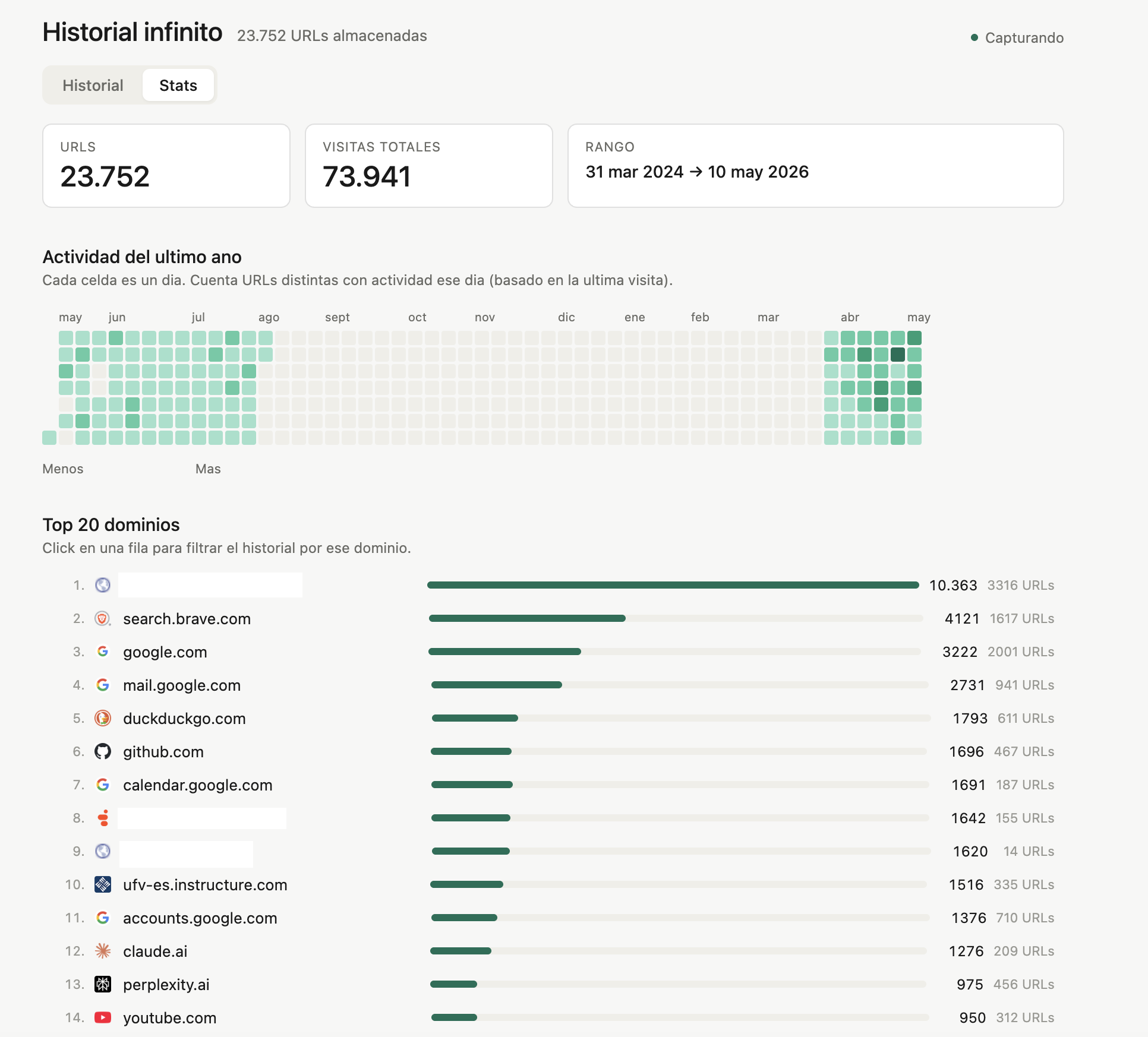
What surprised me was the analytics layer I added on top — when I’m most active online, what domains I revisit, where my attention actually goes. It turns out my browser history is one of the most honest behavioral logs I have access to, and nobody else gets to read it.
What it does
- Captures every URL I visit through a browser extension that runs on any Chromium-based browser, and persists the data to a local SQLite database — independent of Brave’s 90-day purge cycle, works on macOS and Windows alike
- Merges history across devices via Brave Sync (peer-to-peer, blockchain-based); phone, laptop, and desktop converge into the same vault
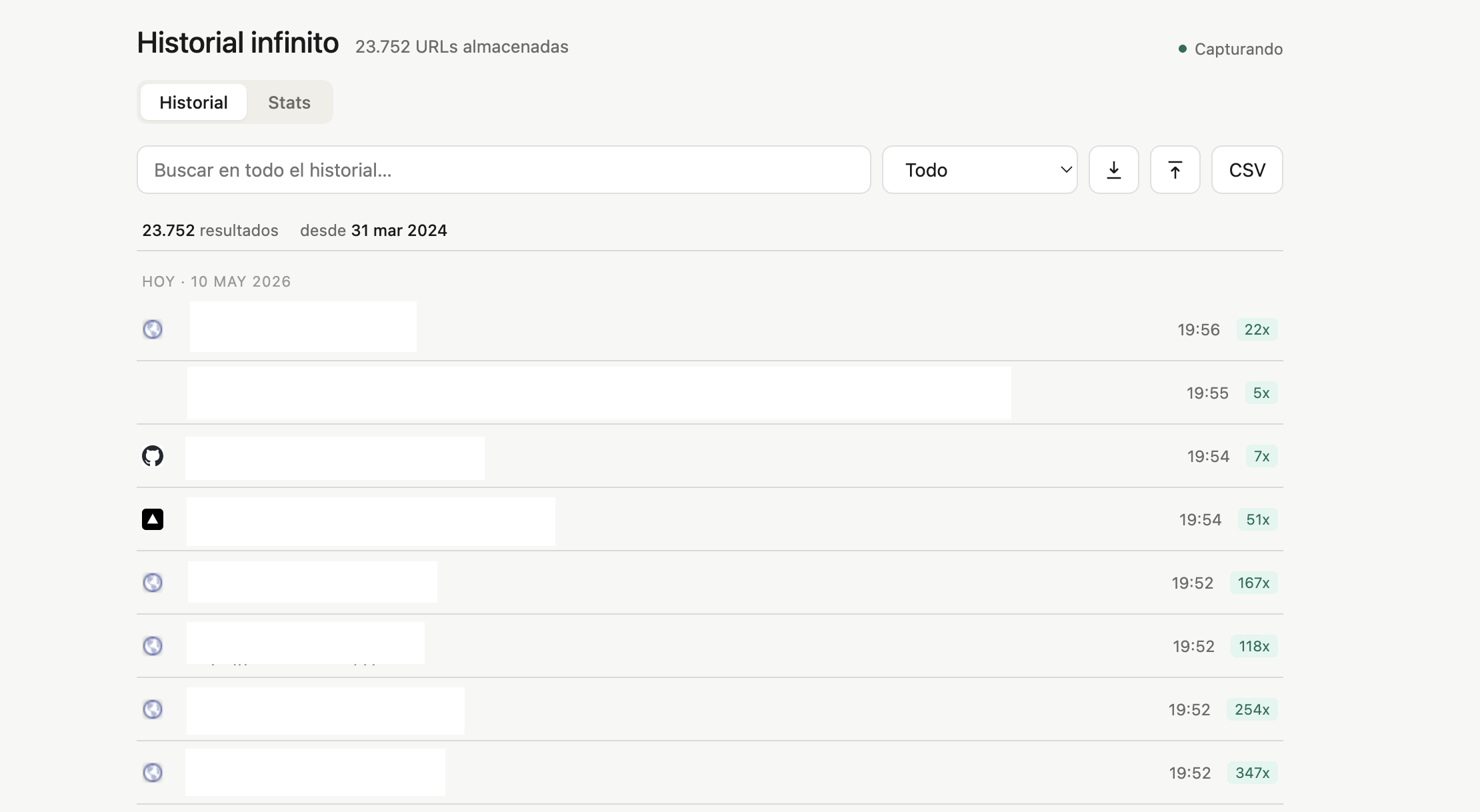
- Full-text search over 20,000+ URLs and titles, instant — find that article you read seven months ago in two seconds
- Analytics layer: what hours I’m most active online, what domains I revisit, where my attention actually goes — a behavioral log nobody else can read
- Browser extension does the capture, a small local backend serves search and analytics on top of the SQLite file
How it works
A PowerShell script archives the Chromium history database on a schedule, triggered by Windows Task Scheduler.
Status
Running on all my devices.
See it
- Code: public, repo coming soon
- Contact: hello@damianvidalc.com